
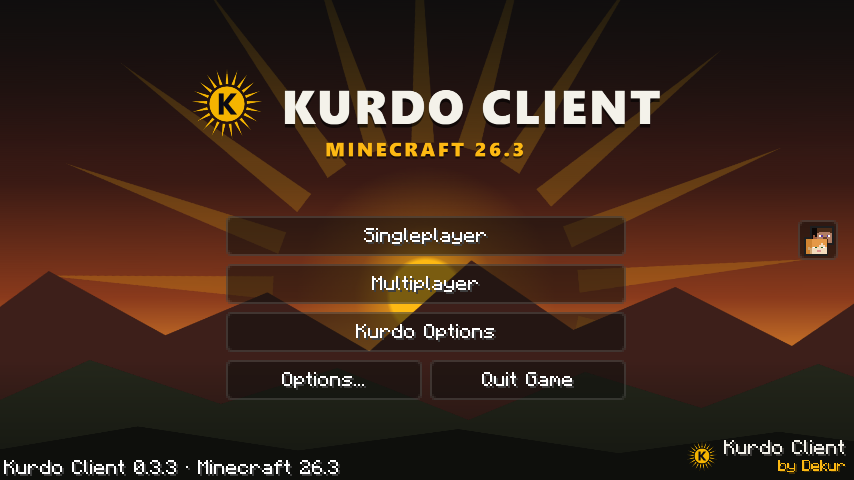
A real Kurdo title screen
An animated sunset over the mountains, glass buttons, dark menus in the colors of the flag. Even with a resource pack, the Kurdo style stays.
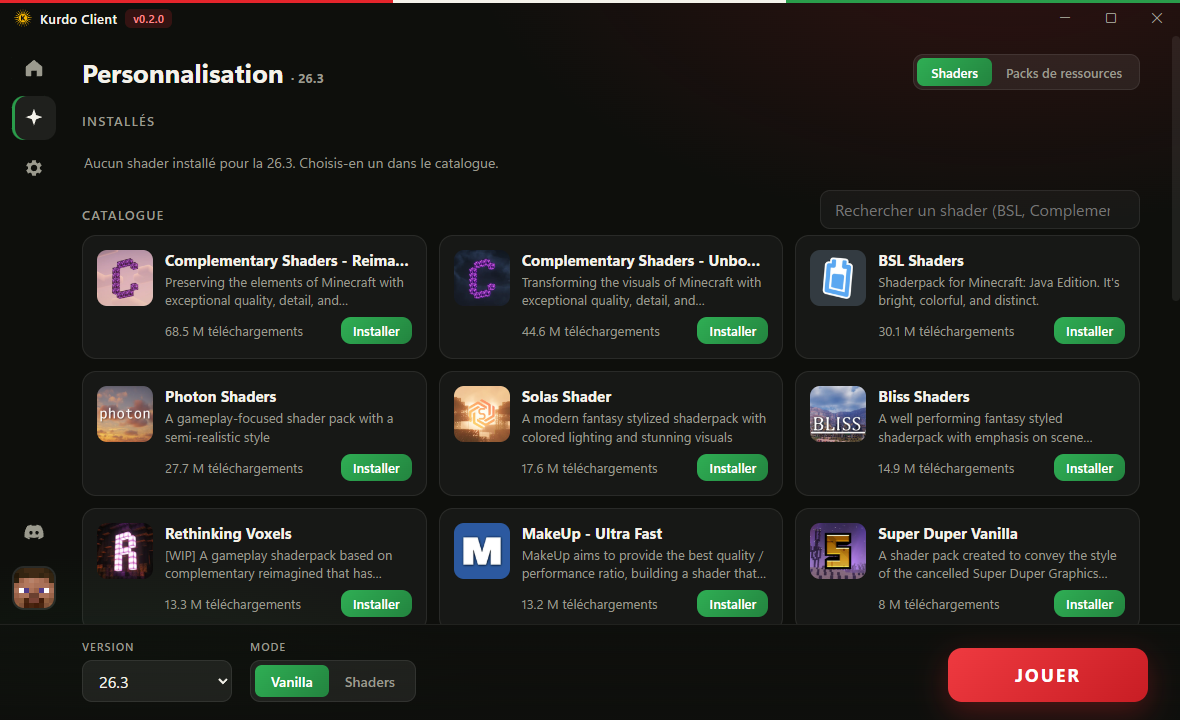
Shaders & packs in one click
Pick a shader or a resource pack from the catalog, click Install, done. The launcher takes care of the right version.
Homemade modules
Right Shift in game opens the Kurdo menu. Every module is ours, built light, and the list grows with every update.
FPS
3 styles: Basic (the lightest), Real-time, Detailed with min and 1% low.
Combo & reach
Your hits in a row and the distance of your last hit. Display only, safe on servers.
Damage
The hearts you take off with each hit, next to the crosshair, fading out softly.
Tournament mode
Cuts particles, clouds and shadows in one click. Your settings come back when you turn it off.
Keystrokes, CPS, coords…
Keystrokes, CPS, coordinates, armor, clock, placed wherever you want.
Zoom & Fullbright
Zoom on the C key and full brightness, homemade.
0 delay mouse (1.8.9)
Fixes the 1.8.9 mouse delay, like the big PvP clients.
And also
Performance mode
Sodium, Lithium and other optimizations, matched to each version.
Automatic updates
The launcher updates itself when it starts.
Microsoft accounts
Secure Microsoft sign-in, and an offline mode once your account is added.
Discord status
Your friends see you're playing on Kurdo Client.
Join the community
Bugs, ideas, screenshots of your best shaders: it all happens on Discord.
Join the Discord